
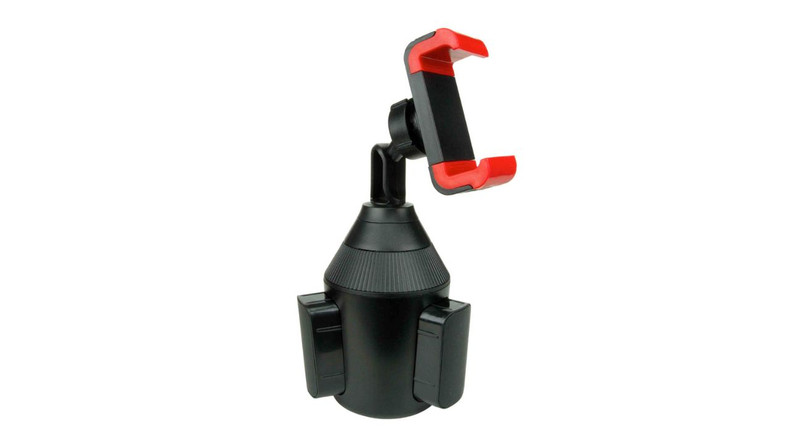
Using a phone while driving involves great responsibility, as it determines the safety for the driver and fellow drivers on the road.
Many drivers like to mount their phones on the left side, as this spot helps them see the screen without blocking their view. However, how do you charge your phone when it is on a driver-side windshield mount?
This guide is for safe and smart use of your device on the road. Follow these tips to make sure your phone stays charged and within reach every time you drive.
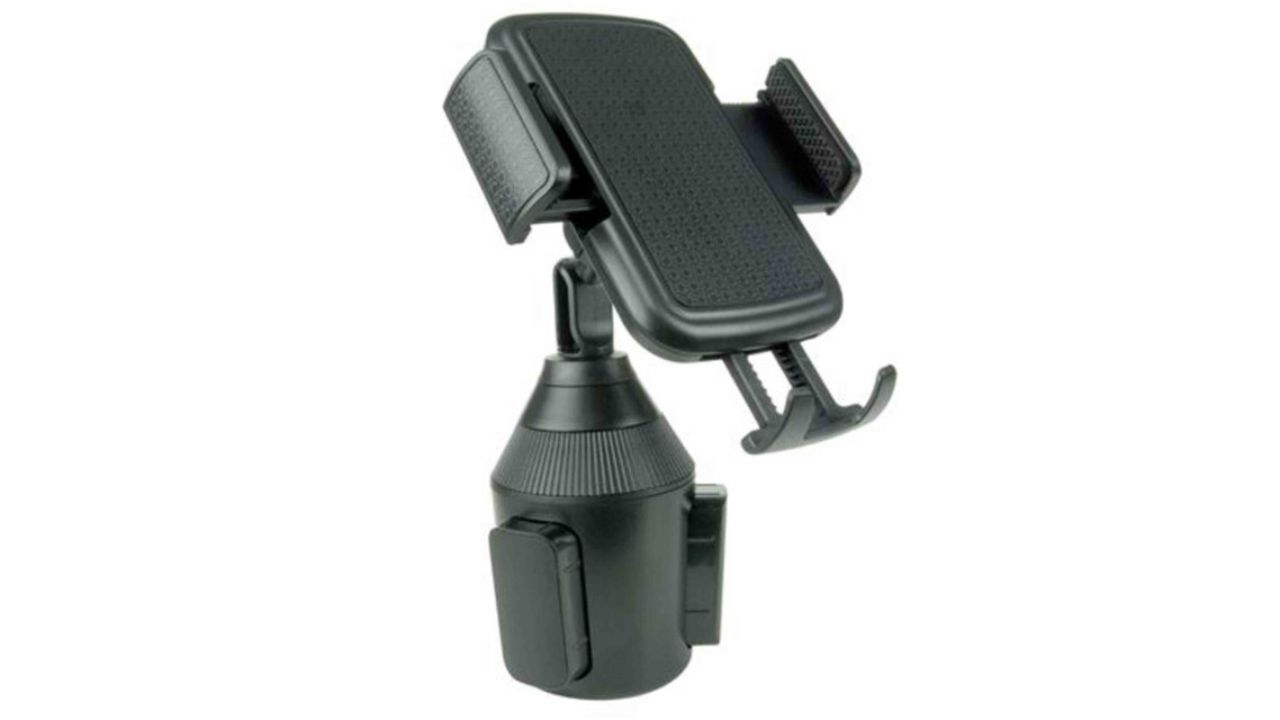
Universal Cell Phone Mount and Adjustable Arm for Any Car Cup Holder
Why the Driver-Side Windshield Is a Smart Spot
Mounting your phone on the driver-side windshield gives you a closer and quicker view. I’s near your steering wheel. This spot is good for GPS apps or quick glances without turning your head far.
- Easy screen visibility
- No need to look across the car
- Less chance of blocking the road view in front
However, while this position can make charging tricky, you can easily overcome that challenge.
Choose the Right Phone Mount with Charging Support
Not all mounts are built for charging convenience. To make it easy for you, we’ve curated the best choices:
MagSafe or wireless charging mounts
MagSafe wireless charging mounts offer cable-free charging when paired with a compatible phone.
Mounts with built-in USB ports
Some mounts let you plug your cable right into the mount itself.
Adjustable clip-on mounts with cable space
Handy for phones that use standard cables.
Look for a mount that keeps your charging port open. That is the first step to charging with ease while driving.
Best Ways to Charge Your Phone in This Setup
Option 1: Use a Long Fast-Charging Cable
This is simple and works for almost any car.
- Choose a 3–6 foot cable for enough reach.
- Pick a right-angle connector so the cable bends smoothly.
- Use a 12V socket car charger with fast charge support.
A longer cable lets you route it cleanly from the power source to the mount.
Option 2: Install a Wireless Charging Mount
Wireless chargers remove cable clutter. They work best with magnetic or tightening phone mounts.
- Works well for Qi-enabled phones
- Keeps your dashboard clean
- Just place and go
Make sure the mount plugs into a fast USB or DC socket.
Option 3: Hardwire a Charger to Your Dash
This option suits drivers who want a custom look.
- Use a hidden wiring kit
- Power goes straight to your fuse box
- No dangling cables in sight
A technician can install this in under an hour in most vehicles.
Cable Management Tips for Your Safety
A loose cable can be a danger. It can get in the way of gear shifters or steering. Follow these tips to keep things neat:
- Use cable clips on the side of the dash.
- Tuck extra length under the steering column or floor mat.
- Pick flat cables for smoother routing.
Avoid cables crossing your knees or touching the pedals.
Avoid These Charging Mistakes
Even if you get the setup right, some mistakes can cause issues.
- Do not use cheap chargers. They can damage your phone.
- Avoid charging from the same port as your dash cam.
- Do not block your air vents with cables or mounts.
Make sure your charger supports your phone’s fast charge standards.
Should You Use a Dash Cam with Your Charger?
Some drivers use both a dash cam and a phone at once. If you use a 12V splitter, make sure it has enough output for both.
- Pick a dual USB adapter with at least 2.4A per port.
- Avoid overloading your car’s socket.
A smart splitter helps power more than one device without drops.
Best Phone Charger Specs for In-Car Use
Look for these features when choosing a charger:
- Minimum 18W output for fast charging.
- USB-C to USB-C or USB-A to lightning, depending on your phone.
- High heat resistance for use in summer.
Quality power keeps your phone safe and charged while in use.
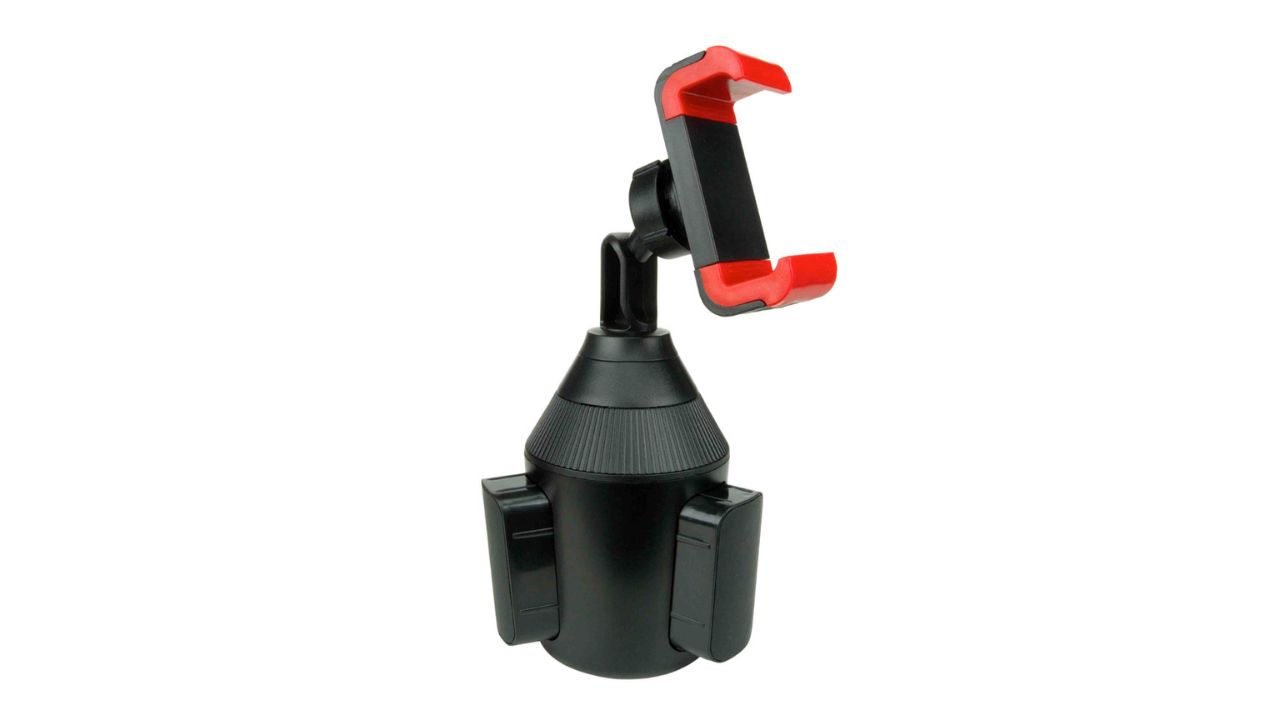
Red Clipped Universal Cell Phone Mount for Any Cup Holder
Final Setup Checklist: Ready to Go
Before you hit the road, check these boxes:
- Phone is secure on the mount
- Charging cable reaches comfortably
- No wires block your wheel or view
- The power source is safely connected
- You have tested the charger before driving
Now you can enjoy safe and powered phone use while driving.
Takeaways
- Mount your phone on the driver-side glass for easy view
- Choose mounts that work with cables or wireless chargers
- Use long, right-angle cables for smooth routing
- Avoid overloading your car power
Stay safe and keep your device charged the smart way, using the best holders and mounts.
