
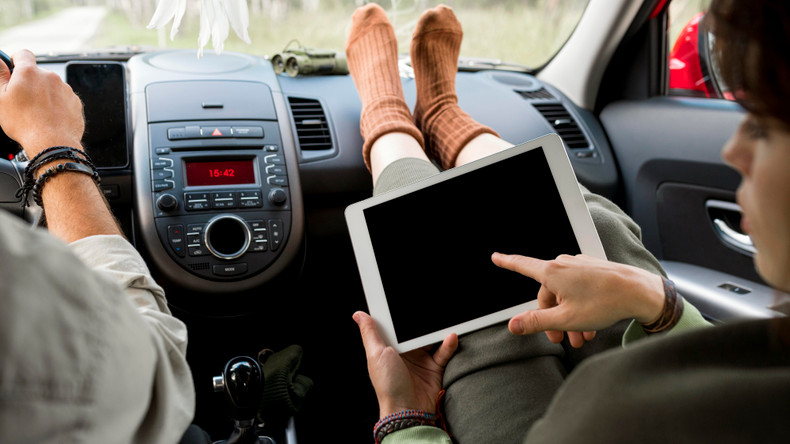
The best back seat tablet holder has a firm grip, wide device fit, simple angle control, and a stable mount that keeps the screen at eye level. A good holder can turn a long drive into a calmer trip. Children can watch shows without holding a heavy screen. Adults can read, work, or follow the route hands-free.
Yet not every mount works well in every vehicle. Some shake on rough roads while others block charging ports or place the screen far too close.
The right choice depends on your tablet, car, and passengers. These seven features will help you avoid an annoying buying mistake.
Why a Back Seat Tablet Holder Makes Travel Easier
Holding a tablet may seem harmless at first. But after an hour, arms ache, and necks start to bend. The device may also fall during a sharp stop.
A holder creates a fixed and more comfortable viewing spot. It keeps the tablet off laps, seats, and dirty floors. It can also reduce those familiar cries of, “Can you fix the screen?”
The real benefit is less distraction for the driver. Passengers can enjoy their content without asking for constant help. That small change can make a family road trip feel far less tense.
1. A Strong, Low-Shake Mounting System
Stability should be the first feature you check. A holder may feel firm while the car sits still. The true test begins when you reach a rough road.
A weak mount makes the screen bounce with every small bump. That motion can strain the eyes and spoil a movie. It may also cause the tablet to slip from its grip.
Check how the mount connects to your vehicle. Most rear-seat options attach to exposed headrest posts. Strap mounts may work better with fixed or unusual headrests.
Look for these signs of a stable design:
- Firm clamps that do not slide along the headrest posts
- Tight joints that hold their angle during turns
- A short or well-braced arm that limits screen shake
- Soft contact pads that improve grip and prevent scratches
- Strong materials that do not bend under tablet weight
Give the holder a gentle shake after fitting it. It should move very little. If it droops before you leave the driveway, it will fare worse on the highway.
2. Wide Tablet and Case Compatibility
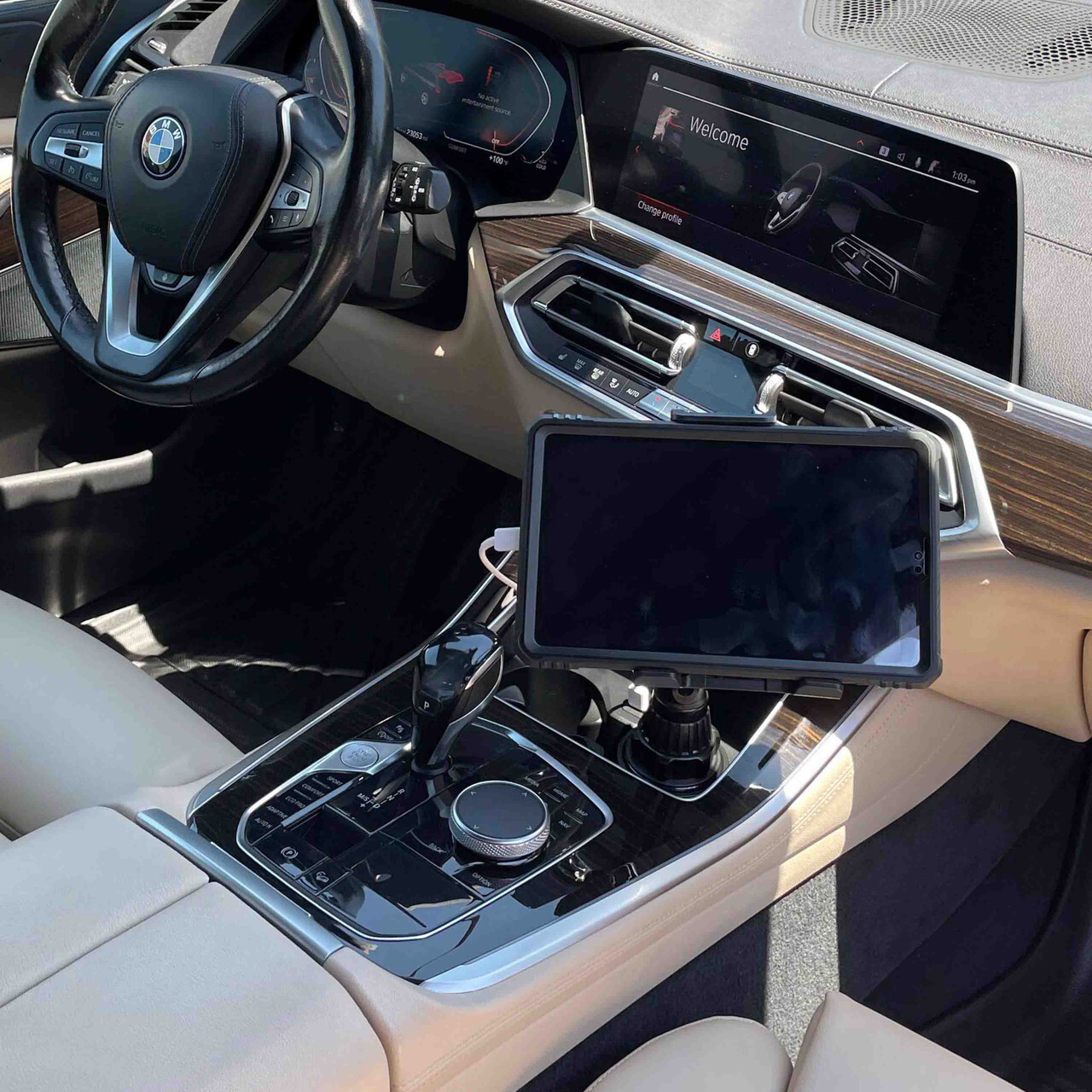
A back seat tablet holder must fit the full device, not just its screen size. Thick protective cases add width and depth. Also, large buttons or raised edges can affect the grip.
It’s good to measure the tablet while its normal case is attached. Then compare those figures with the holder’s stated range. Do not always rely on a vague “universal” label.
The clamp should support the device without pressing its buttons. It should also leave room for the charging cable. A covered port becomes a real pain when the battery drops mid-trip.
Before buying, check:
- Tablet width and height
- Tablet depth with its case
- Clamp opening range
- Supported device weight
- Charging-port position
- Grip placement near buttons
Parents often use thick, shockproof cases. Those cases can make an otherwise compatible tablet too bulky. Measure twice, buy once, and save yourself the return process.
3. Easy Angle and Rotation Control
A fixed screen angle rarely suits every passenger. A small child sits lower than an adult. Sunlight can also cause glare as the car changes direction.
Choose a holder with smooth tilt and rotation. A 360-degree joint lets passengers switch between portrait and landscape views. Tilt control helps keep the screen at a natural eye level.
Yet flexibility needs firm resistance. Loose joints can slowly sag during a film. That means someone must keep pushing the screen back into place.
The ideal angle keeps the neck fairly straight without letting the passengers lean forward or look down for long periods. A comfortable screen height makes a bigger difference than most buyers expect.
4. Safe Screen Position and Viewing Distance
Screen position affects both comfort and safety. A tablet placed too close can tire the eyes. One mounted too high may block the driver’s rear view.
For one passenger, a holder behind the front seat often works well. A center-mounted arm may suit two passengers sharing one screen. Just make sure it does not swing into either person during a hard stop.
The tablet should remain within the seat area. It should not sit near a passenger’s face or interfere with seat belts. Never attach a holder where it blocks an airbag.
It is also wise to pause the screen now and then. Rest stops give young eyes a break and help reduce travel sickness. Even a great setup cannot replace fresh air and a quick stretch.
5. Fast Installation Without Permanent Changes
Most families need a holder that installs within minutes. Screws, tools, and permanent changes add needless stress. This matters even more in rental cars.
A practical mount should lock onto the correct support point with little effort. It should also come off without leaving marks. Clear instructions are worth more than flashy packaging.
Before ordering, inspect your headrests. Some vehicles have two exposed metal posts while others use fixed, built-in headrests with no accessible rods. That small detail can decide whether the product works at all.
6. One-Handed Tablet Loading
Loading the tablet should feel quick and simple. Parents often do it while managing bags, snacks, and seat belts. A mount that needs three hands soon becomes a chore.
Spring-loaded clamps can make fitting fast. They should open smoothly but close with enough force. Rubber or silicone pads can protect the tablet’s edges.
Convenience matters because tablets should not stay visible in an unattended car. Heat can also damage electronics. Quick removal makes safe storage far easier.
7. Durable Parts and Useful Warranty Cover
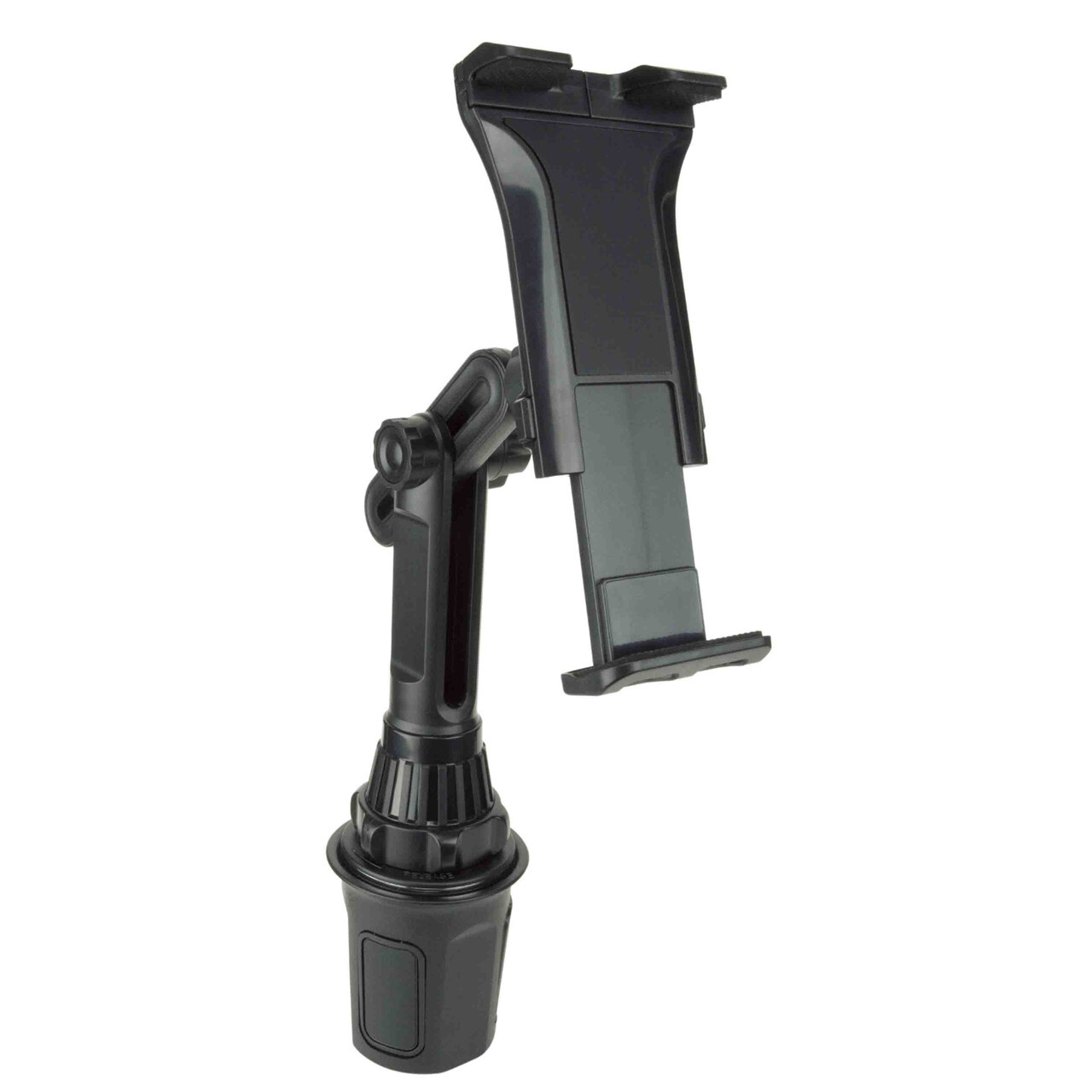
Cheap joints may crack after repeated use. Thin arms can bend under a large tablet. A low price offers little value if the holder fails halfway through summer.
Look for solid clamps, reinforced joints, and durable contact pads. Read the warranty terms before buying. Check what is covered and whether shipping costs apply.
Cozy Cup Holder states that its products include a 10-year replacement warranty, with the customer paying shipping. Its current range includes seven main products, according to the company’s shop page. That range offers useful options for building a complete travel setup.
The Tablet Holder with Heavy Duty Car Cup Holder Base is designed for front-seat or center-console use, not headrest installation. It can suit an adult passenger, a parked vehicle, or a cabin layout where the rear passenger can see the console safely. Check its placement carefully before treating it as a rear entertainment option.
The Double Phone Holder for Car Cup Holder can hold two phones with adjustable arms and 360-degree rotation. It may help parents keep navigation and another phone organized in front. It does not replace a true back seat tablet holder, but it can reduce cabin clutter during family trips.
Is a Back Seat Tablet Holder Worth the Money?
It is worth buying when passengers use a tablet often. The holder reduces drops, sore arms, and repeated screen adjustments. It can also keep the driver focused on the road.
A basic model may suit short, rare trips. Frequent travelers should spend more for stable joints and better materials. Large tablets also need a stronger mount than small devices.
Think about the cost of the tablet itself. A secure holder costs far less than a cracked screen. But the most expensive model is not always the best match.
Make the Next Road Trip Feel Calmer
A good back seat tablet holder should almost disappear during the trip. It holds the screen still, stays out of the way, and asks for little attention. That quiet reliability is its most valuable feature.
Start with fit, strength, and viewing position. Then compare adjustment, installation, and warranty terms. Those checks will help you find a holder that lasts beyond one vacation.
Entertainment cannot prevent every back-seat complaint. Still, a secure screen and a well-planned playlist can buy everyone a few peaceful miles. Isn’t that what a stress-free road trip is really about?
FAQs
Q1: Can a back seat tablet holder fit any car?
No. Many models require two exposed headrest posts. Cars with fixed or unusual headrests may need a strap-based holder or another compatible mounting style.
Q2: Is it safe for children to use a mounted tablet?
It can be safe when the mount is secure and correctly positioned. Keep it away from airbags, seat belts, and the child’s face. An adult should check it before each trip.
Q3: How can I stop the tablet from shaking?
Tighten every joint and mounting point. Keep adjustable arms as short as possible. If shaking continues, the mount may be too weak for the tablet’s size or weight.
Q4: Where should a back-seat tablet be placed?
Place it near the passenger’s eye level without blocking the driver’s view. The screen should stay within the seat area and allow a comfortable viewing distance.
Q5: Should I remove the tablet when leaving the car?
Yes. A visible tablet can attract theft, and parked cars can become very hot. A quick-release mount makes it easier to take the device with you.
