
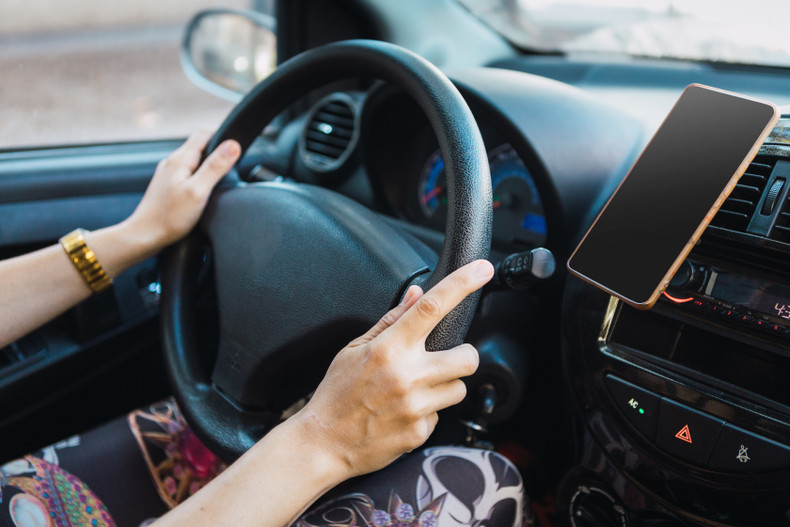
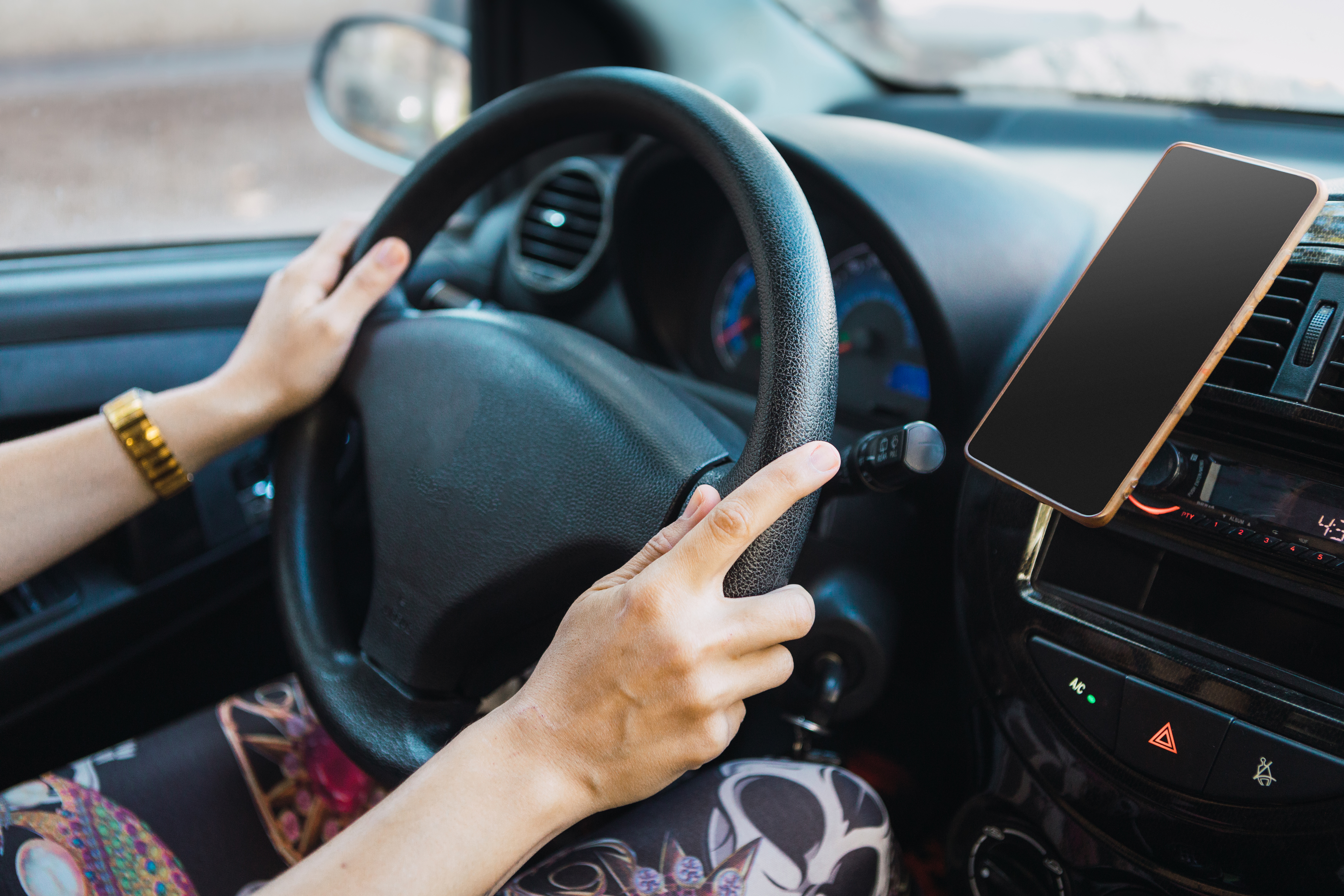
A MagSafe car mount holds a compatible phone through magnetic alignment. It gives quick access to maps without awkward clamps. A good model stays firm and suits your car, yet magnet power alone does not make it safe.
What Is a MagSafe Car Mount?
A MagSafe mount uses a ring of magnets for fast, aligned attachment. The ring matches compatible magnets built into recent iPhones and approved cases. Unlike an old magnetic plate, it guides the phone into position. Some models only hold the phone while others also charge it. Native support began with the iPhone 12 family. Older phones may need a fitted magnetic case.
7 Features That Make This Mount Worth Buying
The best features solve problems from real drives. Think potholes, hot dashboards, and thick cases. Product photos hide those issues.
1. Magnet Strength That Holds on Rough Roads
Not every “powerful magnet” earns that claim. Look for a listed magnet grade, firm alignment, and sound road testing. The mount should hold during sharp turns and sudden stops. It should not let a large phone slowly twist downward.
Phone weight and case thickness also affect grip, as large phones need more holding force. Does the listing name support the phone sizes? If not, keep looking.
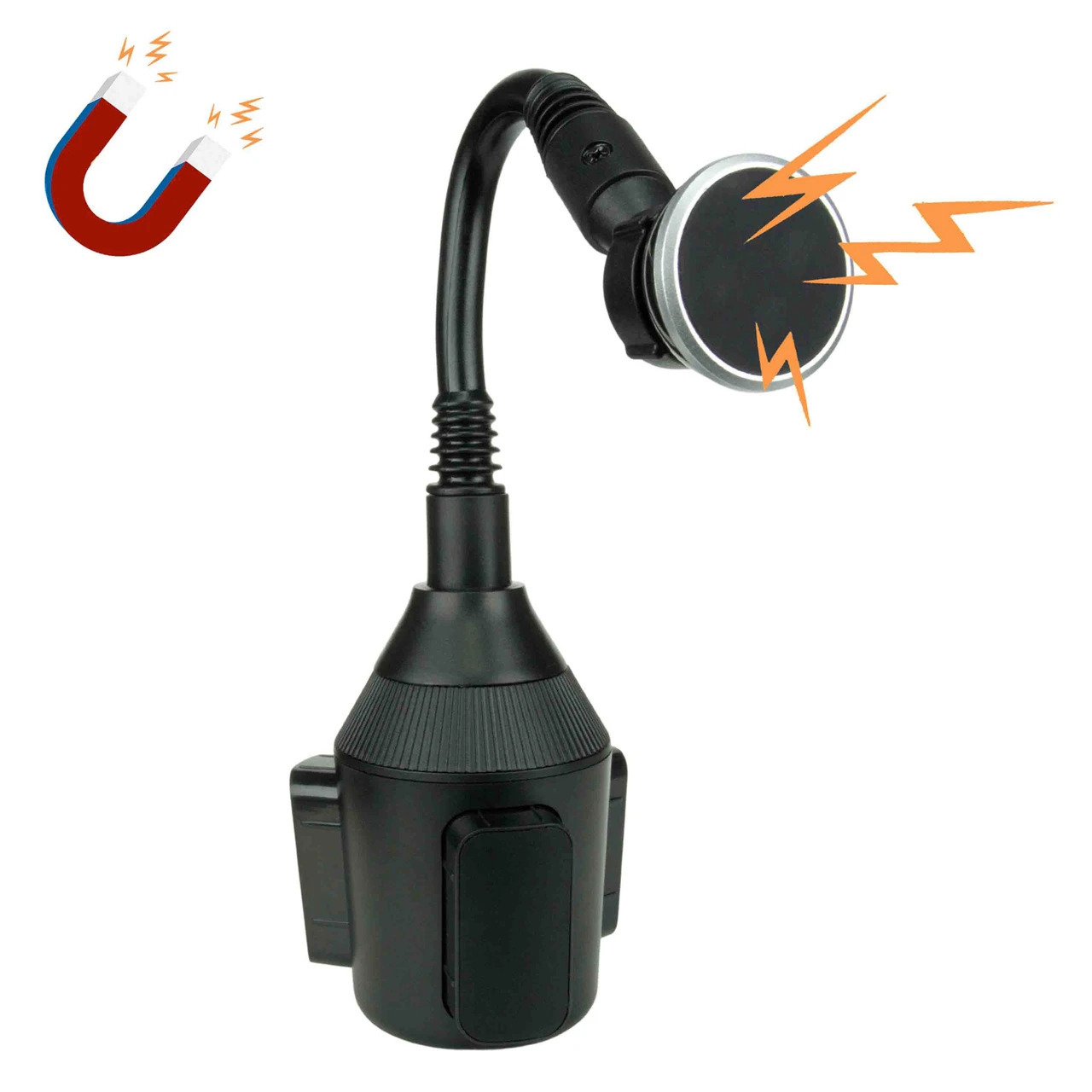
Cozy Cup Holder offers phone-mount choices that suit drivers who prefer a magnetic phone mount. The Magnetic Cell Phone Holder for Car Cup Holder uses magnetic holding. Its flexible arm and expandable base fit many vehicle cup holders. The head offers full rotation for changing the screen angle. Confirm phone and case fit before purchase, since magnetic setups can differ.
2. One-Handed Attachment Keeps Your Eyes Up
A clamp mount often needs careful aim. A magnetic ring pulls the phone toward its set position. This lets you attach it with one hand before driving. Removal should also feel clean, not like a wrestling match. That small gain matters each day. Picture leaving a busy lot with maps open. The phone clicks in, and both eyes stay forward.
3. Wireless Charging That Delivers Its Rated Power
Charging speed depends on the full setup. The phone, mount, cable, and power adapter must work together. A weak dashboard USB port may starve a fast charger. Then the battery barely rises while maps and music run.
Currently, Qi2 supports 15W, while Qi2 25W offers faster certified charging. Apple also supports up to 25W on certain phones and chargers. Those are peak rates, not a promise for every car. Apple says the right phone and power adapter are both required.
Check the mount's input before buying an adapter. USB-C Power Delivery may be needed, as heat can also slow charging during summer drives.
4. Adjustable Viewing Angles for Maps and Calls
Rotation sounds basic, yet a weak joint can ruin the whole setup. A firm ball joint lets the screen shift between portrait and landscape. It should hold that angle on a rough road. Portrait suits map prompts and call screens. Landscape can show more route detail. Keep the screen clear of controls and road views.
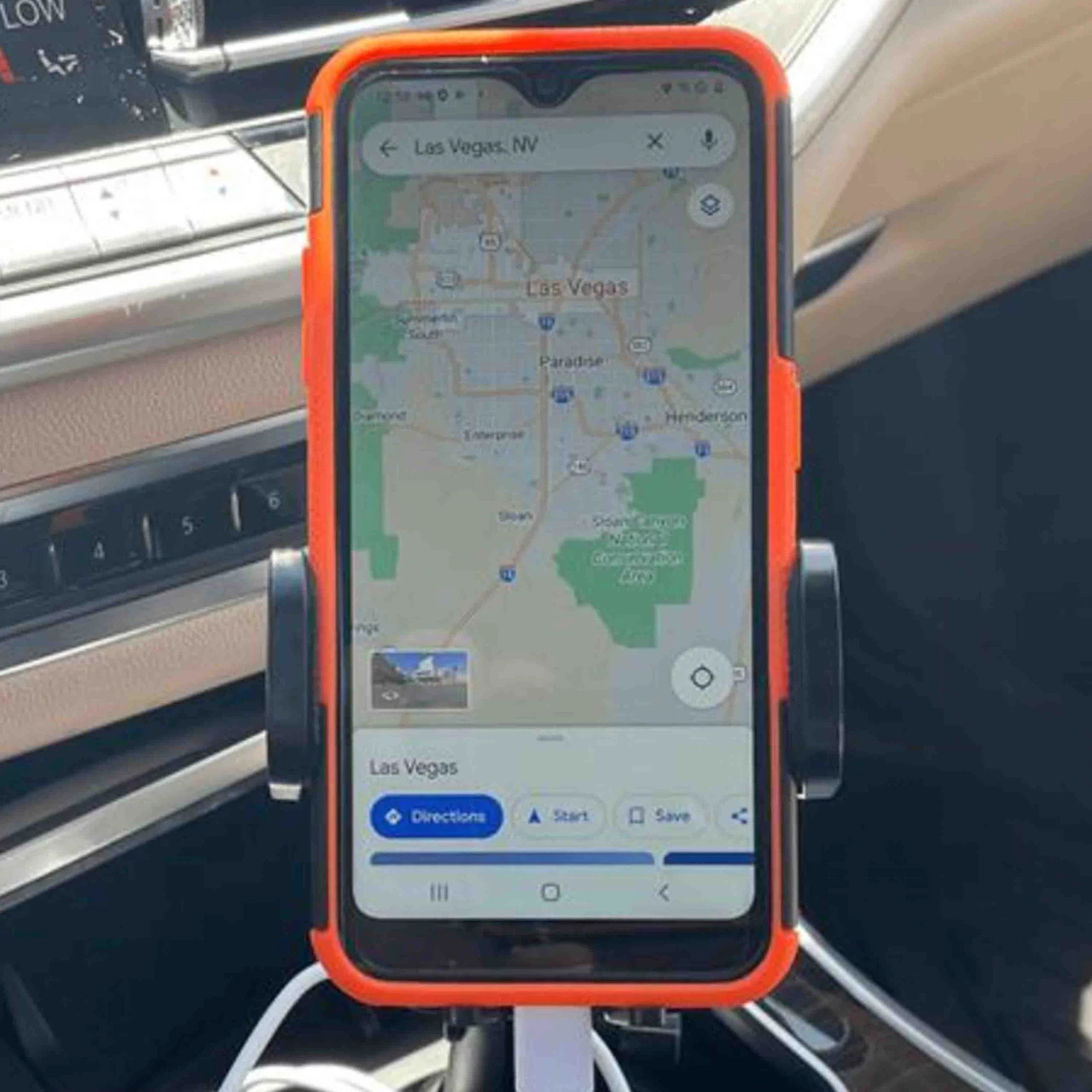
The Universal Cell Phone Mount and Adjustable Arm for Any Car Cup Holder uses a mechanical grip. It can suit thick cases that weaken a magnetic link. Its expandable base and rotating head support many cabin layouts. This is the safer choice when case support matters most.
5. Case Support Without Guesswork
Case choice can make or break the grip. A slim, MagSafe-marked case keeps its magnetic ring close. Thick wallet cases can weaken that pull. Cards, metal plates, and battery packs may also block clean contact.
Native iPhone support runs from iPhone 12 onward. Exact charging rates still vary by phone model. Many Android phones work through Qi2 support or a matched magnetic case. Check both the phone and case, not just one.
6. Placement That Can Reduce Driving Distraction
A mount does not create safe driving on its own. Its position decides how far your eyes move from traffic. Place the screen near the normal road view. Keep it clear of airbags, gauges, vents, and controls.
Why mount a phone low if every map check needs a deep glance? A low cup-holder position may suit parked use or voice prompts. A dash position may improve sight lines in another car. The safest choice depends on the cabin.
Set the route before moving and use voice prompts and avoid typing at lights. Also check local laws for windshield or dashboard placement.
7. Heat, Cold, and Vibration Resistance
Long-term build quality deserves more attention. Summer heat can soften some adhesive pads and suction seals. Cold weather can make plastic clips less forgiving. Daily road vibration tests every joint and screw.
An adhesive base may pass a short test. However, months in hot parking lots tell another story. Vent clips avoid glue but can strain thin slats. Look for clear material details and a useful warranty, and check whether joints can be tightened after regular use. A mount should age well, not just unbox well.
Choosing the Right Mount Location for Your Car
The best location gives a clear view without blocking the road. Cabin layout matters more than trend or price. Sit in the driving position and reach toward each possible spot. Also check vents, buttons, gear controls, and airbag zones. A truck with a wide console has different needs than a small sedan. Also, windshield rules can vary, so check state law first. Then compare these trade-offs:
- Dashboard: Keeps maps high, but adhesive may face strong heat.
- Vent: Installs fast, but may block air or stress slats.
- Windshield: Offers a high view, but can block sight lines.
- Cup holder: Avoids glue and vents, but uses console space.
How to Pick the Best Magnetic Mount
Start with the phone and case, then inspect the car. Decide whether charging is needed or holding is enough. Check the power source if fast charging matters. After that, choose a base that fits the cabin.
Before ordering, confirm these points:
- The phone and case support magnetic alignment.
- The mount holds the phone's size and weight.
- The charging model has trusted Qi2 certification.
- The car adapter meets the required power input.
- The chosen spot stays clear of airbags and controls.
- The joint stays firm through bumps and sharp turns.
- The base suits local heat, cold, and mounting laws.
A Better View Starts With a Better Choice
A MagSafe car mount should stay steady and easy to see. Magnet claims mean little without proper fit. Case type, power input, and location shape daily results. Choose for your car, not the box photo. A calm drive starts with one less reason to look down.
FAQs
Q1: Does a MagSafe car mount work with a thick case?
It may work, but grip often falls as case thickness grows. Use a slim case with a built-in magnetic ring. Wallet cases, cards, and metal plates may weaken attachment. Check the maker's case limits before buying.
Q2: Can a MagSafe mount charge every iPhone?
No. Magnetic attachment and wireless charging are separate forms of support. Native MagSafe began with the iPhone 12 family. Older Qi phones may charge without strong magnetic alignment. The model, charger, and adapter also affect speed.
Q3: Why is my MagSafe mount charging slowly?
The car's USB port may provide too little power. The adapter or cable may also limit output. Heat, apps, and poor case alignment can slow charging. Match every part to the mount's stated needs.
Q4: Is a vent mount or cup-holder mount better?
A vent mount keeps the phone higher and saves console space. Yet it may block air or strain weak slats. A cup-holder base avoids those issues and may feel more stable. It places the screen lower, so voice prompts help.
Q5: Is it legal to place a phone mount on the windshield?
The answer depends on state and local rules. Some places limit items within the driver's view. Check current rules before using a windshield base. Never let the phone block the road.
